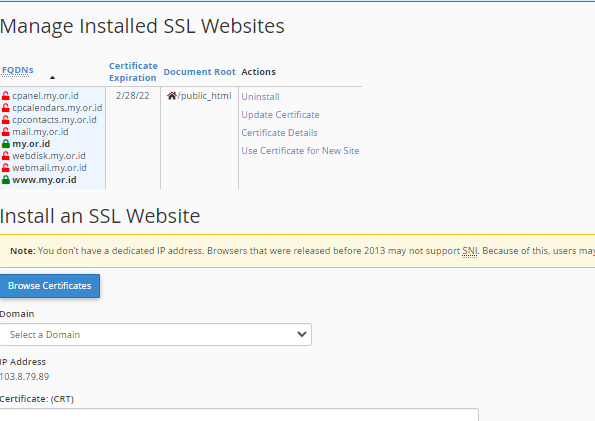
Panduan
Install SSL For Free di cPanel
Sebelum melakukan Installasi SSL For Free Silahkan di buat terlebih dahulu Certificatenya, bisa ikuti Pandunnya di url https://client.rumahhosting.com/knowledgebase/162/Cara-Mendapatkan-gratis-SSL-dari-SSL-For-Free.html
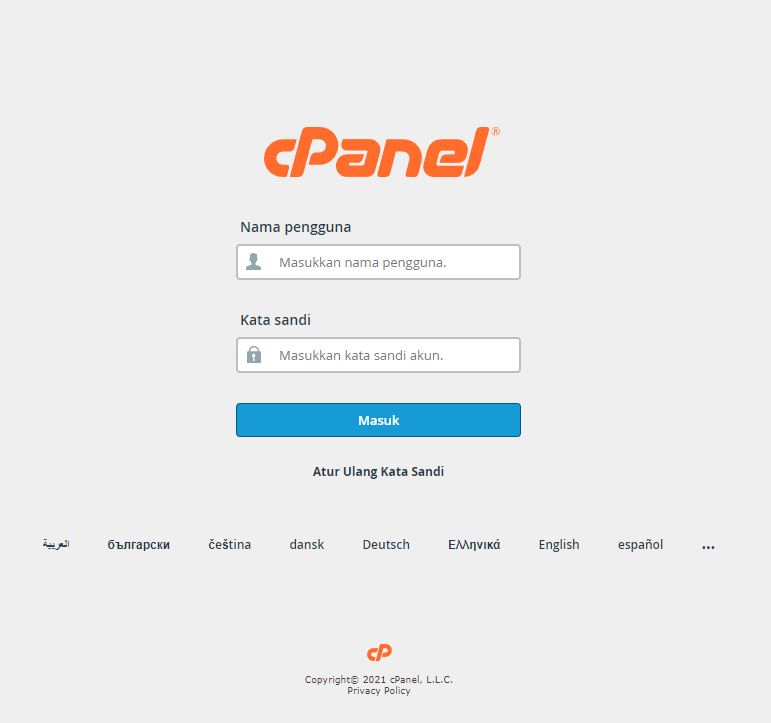
1 Login cPanel

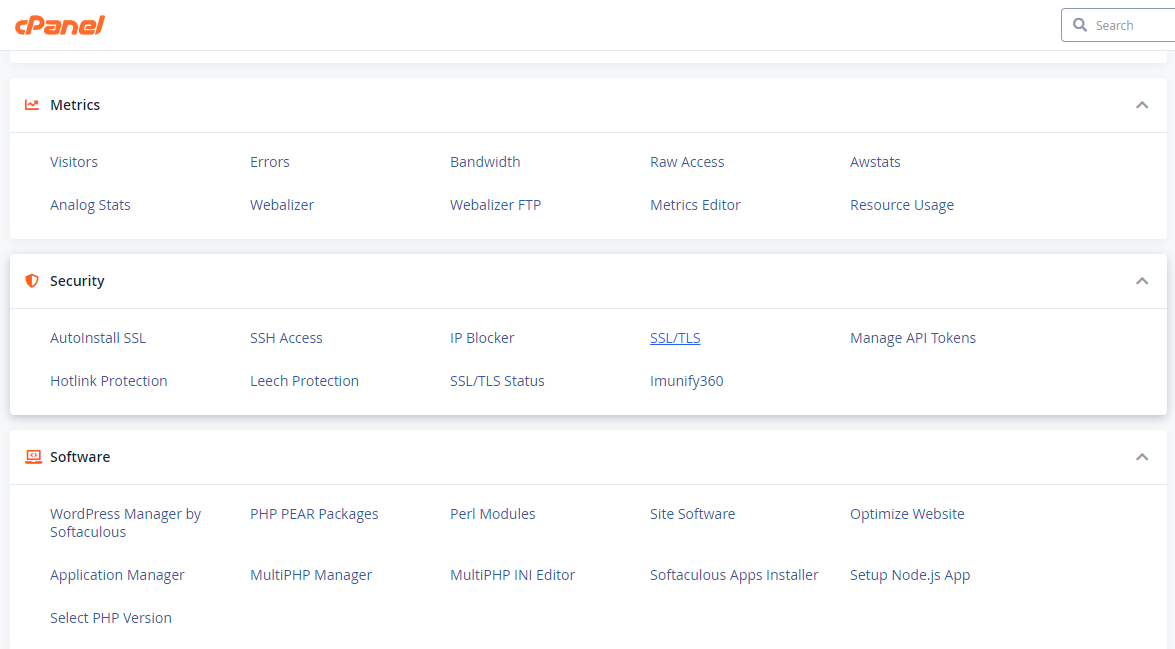
- Masuk ke menu SSL/TLS
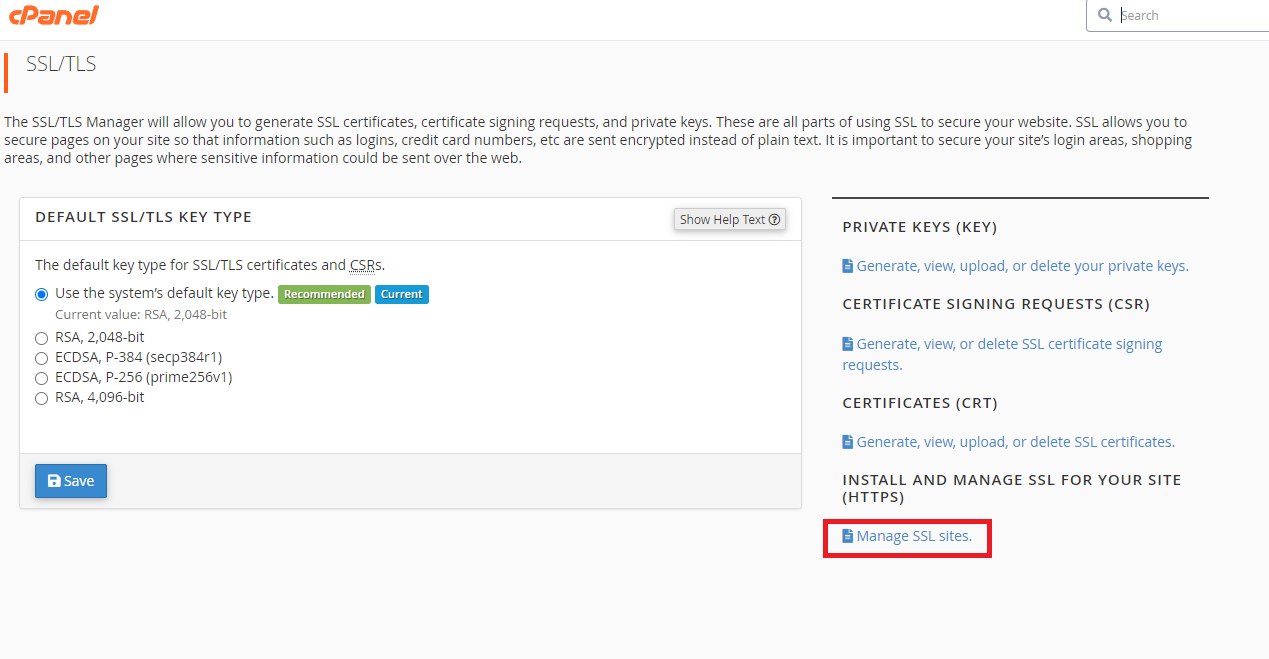
2. Klik Manage SSL Sites
3. Extract Terlebih dahulu file Certificate yang sudah di download
4. Lalu buka ca_bundle.crt, certificate.crt dan private.key menggunakan Text Editor yang biasa Anda buka seperti Notepade ++ https://notepad-plus-plus.org/downloads/
5.
Copy isi dari ke tiga file tersebut ke dalam menu Manage SSL Site sesuai kolom Certificate: (CRT), Private Key (KEY) dan Certificate Authority Bundle: (CABUNDLE).
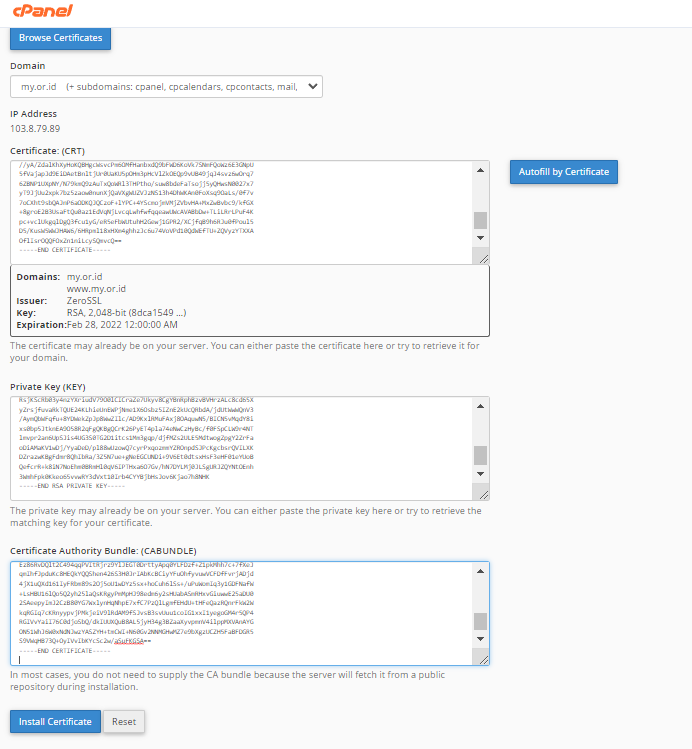
6. Klik Install Certificate lalu OK
7. Proses Installasi SSL For Free sudah selesai.